

Beyond Compliance: Designing for Accessibility and Inclusion in 2025

Beyond legal requirements, designing for accessibility and inclusion is an ethical obligation that every business and website owes to its end users and visitors. Yet by 2025, 88% of websites do not meet the latest web accessibility standards.
This quick guide will help you understand how to design websites that are both accessible and inclusive.
What is Inclusive Design
Inclusive web design refers to the process of integrating both UX and accessible design into your website to remove any bias or barriers that might make someone feel excluded.
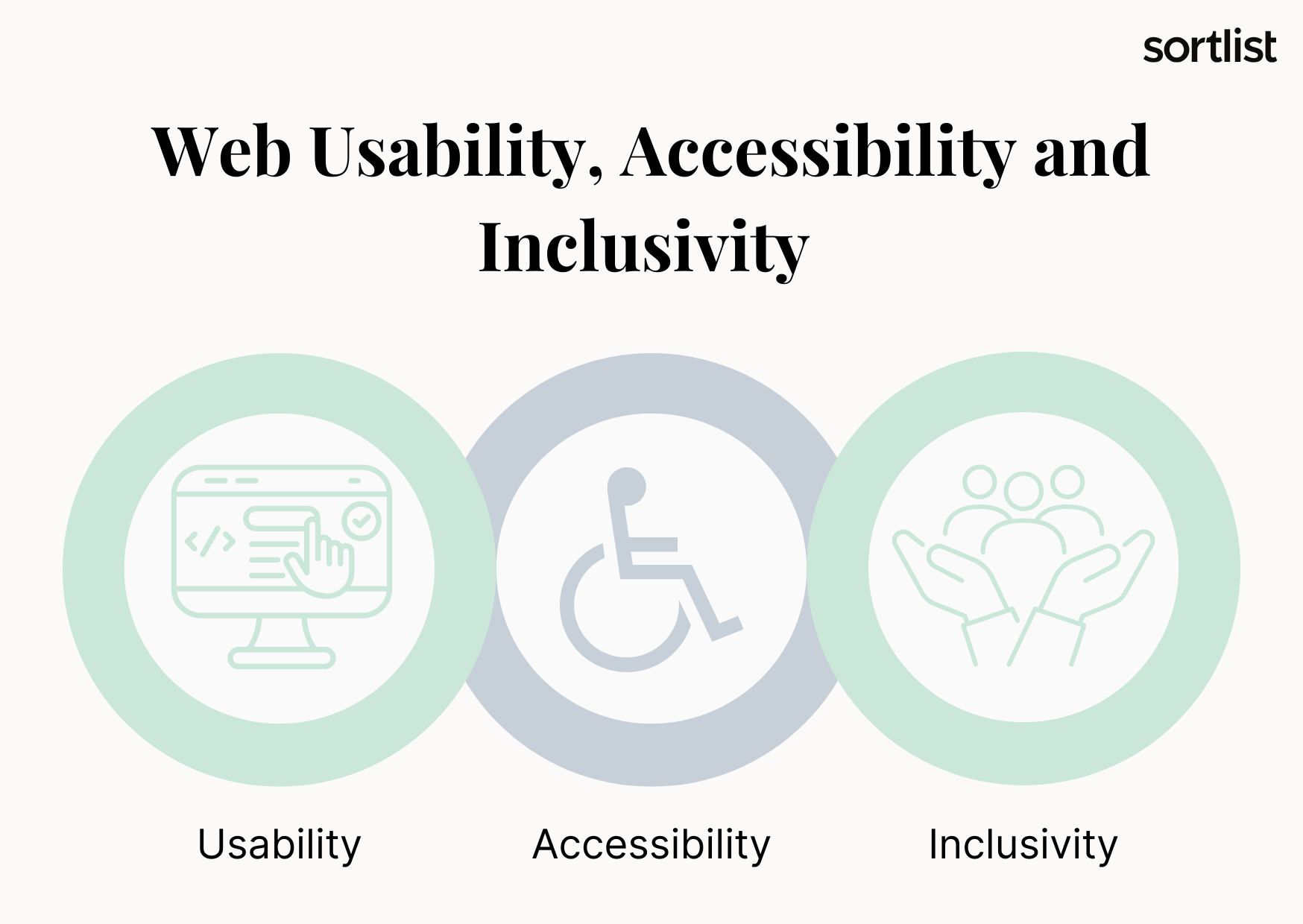
- UX design: The process of designing a website with a focus on usability for the target end user.
- Accessible design: The process of removing any barriers that might interfere with the user’s navigation and understanding of the content hosted on your site.
To design an inclusive website, you need to consider:
- 🧠Physical and mental disabilities.
- 🩻Situational limitations.
- 🛜Technical limitations.
- 🗺️Linguistic, geographic, and demographic barriers.
Inclusive web design goes far beyond the limitations your visitors may face when accessing your site; it’s strongly focused on creating a diverse and equitable experience for all.
Understanding Accessible Design
Accessible design refers to the process of designing and developing websites so that visitors, regardless of their disabilities, can engage with them.
Currently, there are various laws and guidelines in place. Failure to comply can result in lawsuits, fines, and damage to your company’s finances and reputation. To learn more, read our blog post, “The State of Web Accessibility in 2025: Are We Truly Inclusive?”
The Intersection of Inclusive and Accessible Design
While these two terms may be used interchangeably, the truth is that they refer to different approaches to website development and optimization. You can have one without the other, but you should not.
You should strive to work with both, as they will help you remove any barriers on your site so that anyone can navigate and engage with your content.
This all comes with a great set of benefits, which include:
- 😄Improved user experience.
- 👤Improve usability for all users, including those with disabilities.
- 📈Improving search engine rankings.
- ⚖️Compliance with regulations and guidelines.
- 👥Increase audience reach.
- 🔎Improve brand awareness.
- 🆕Innovate.
Most importantly, prioritize accessibility and inclusion to create a more effective and sustainable digital experience.
Web Pages: Designing for Accessibility and Inclusion
The key to designing inclusive and accessible websites is to understand that not everyone has the same online experience. On the one hand, there are at least 1.3 billion people around the world with significant disabilities. On the other hand, there are those who have Internet and connectivity issues. It’s your job to make visiting your site an easy task, not a burden.
To do this, you must first take the time to get to know your target user:
- 🏆Motivations
- 🗺️Demographics
- 🧑🦱Personality
- 😨Fears
- 😤Frustrations
- 👓Physical and cognitive limitations
- 🤓Aptitude and attitudes toward websites
- 🛜Internet connectivity
Once you have gathered all the necessary data and created your web design persona, you should focus on implementing web design principles for accessibility and inclusion:
- Perceivable: Both content and user interface components must be presentable and perceptible to all users.
- Operable: Each UI component and navigation must be operable by all users.
- Understandable: Website content and UI operation must be understandable to all users.
- Robust: Content must be robust enough to be interpreted by all users and assistive technologies.
Implementing Inclusive Design
Making your website accessible and inclusive is not an easy task. As we mentioned earlier, even with laws, regulations, and fines, companies are not fully compliant. To make the process easier for you, we’ve created a checklist of the most important things to focus on.
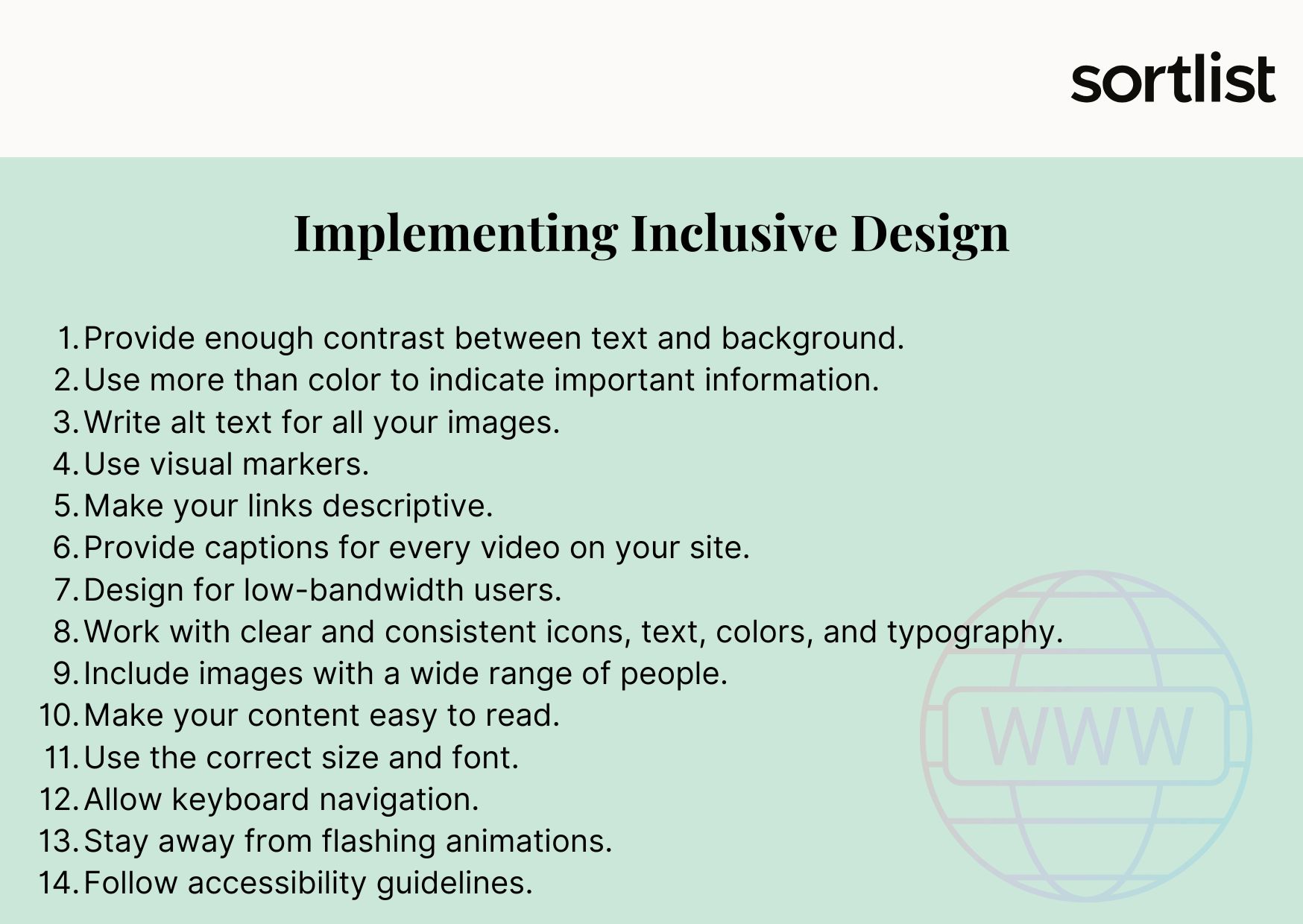
- 🎨Provide enough contrast between the text and the background color.
- 🎨Use more than color (written messages, icons, emoticons) to indicate important information.
- 📝Write alt text for all your images and make sure it describes the image and provides context.
- 🌐Use visual markers (focus states) to indicate where the user is within a page or application.
- 🔗Make your links descriptive with context about where they will take the user.
- 📝Provide captions and descriptions for every video on your site.
- 🛜Design for low-bandwidth users and optimize your page for faster content load times.
- ⚠️Work with clear and consistent icons, text, colors, and typography.
- 👥Include images and photos with a wide range of people, races, genders, ages, weights, etc.
- 📃Make your content easy to read and understand by breaking it into smaller sections and adding images.
- 🔠Use the correct size and font.
- ⌨️Allow keyboard navigation.
- 🔦Stay away from flashing animations.
- ⚖️Follow accessibility guidelines.
Conclusion
You can be part of the change and make our digital world a friendlier place for everyone. Start designing for accessibility and inclusion today with one of our best website optimization agencies!


